[947] Viewer bug: Scroll down reads next file

Bugs and issues - current donor version.
Post Reply
Message
Author
NumberOne
Posts: 137
Joined: 04.10.2015, 18:41

[947] Viewer bug: Scroll down reads next file

#1 Post by NumberOne » 26.04.2026, 20:22

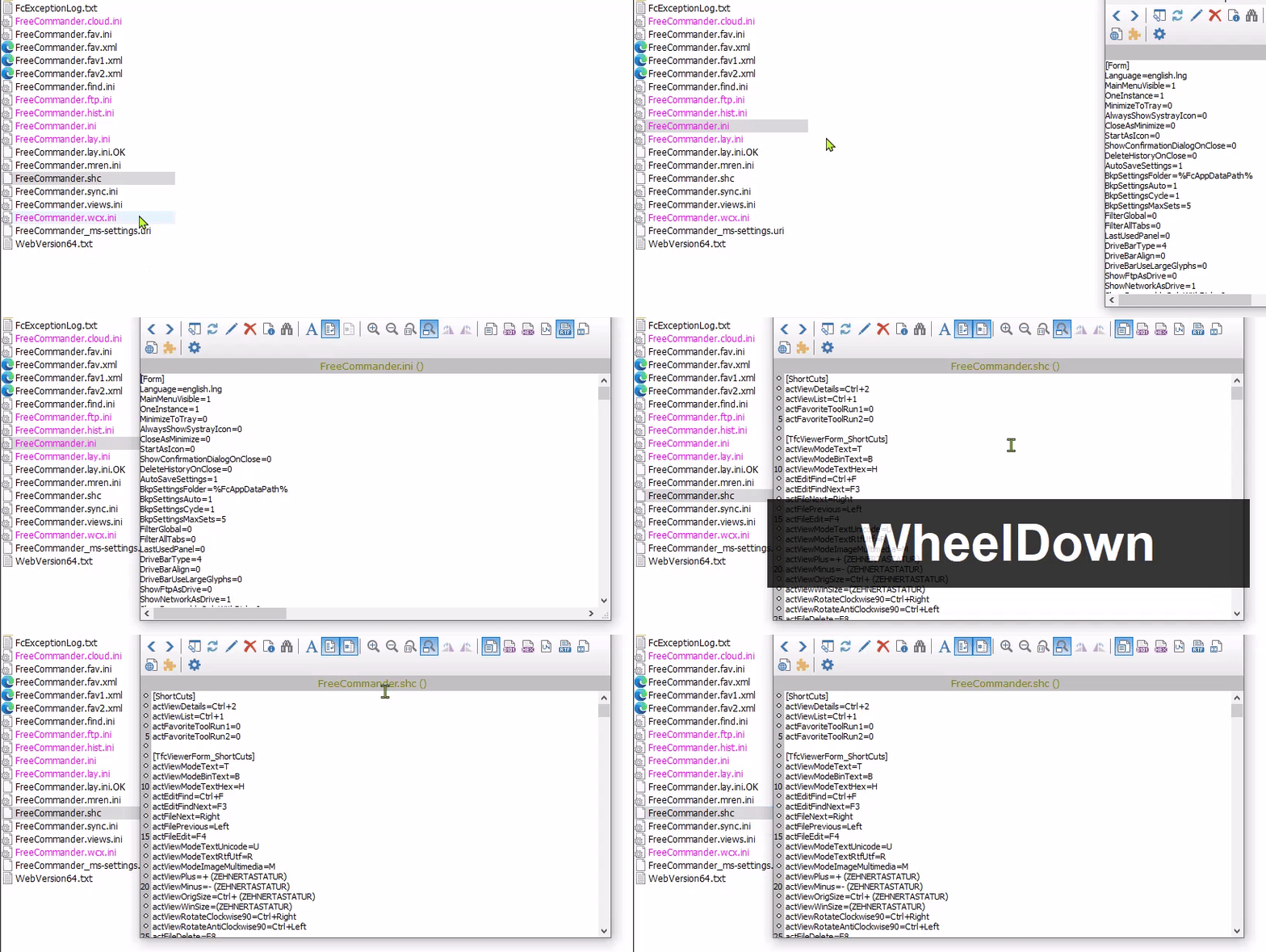
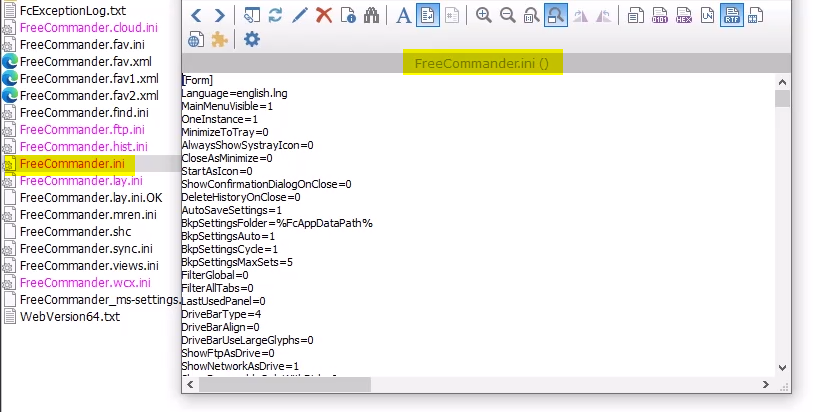
1. Select a file eg. to View (F3)
Image
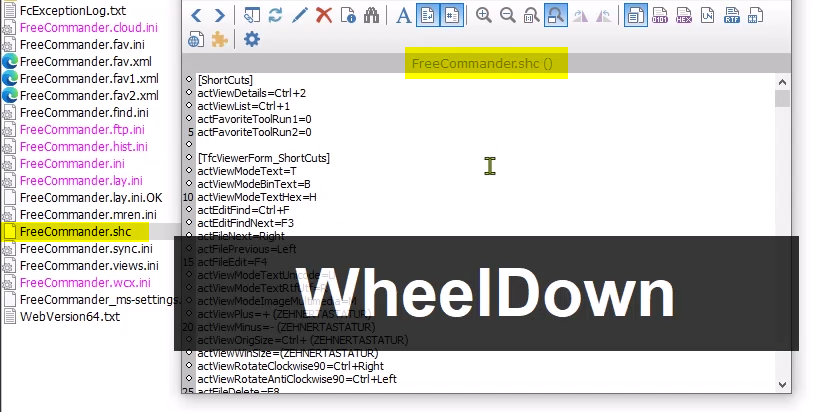
2. Scroll down fast, the next file is loaded:
Image

Expectations: should scroll down while keeping the first file in the viewer.
video:
https://i.postimg.cc/Hkhf3b2p/2026-04-26-20h08-14.gif
User avatar
Dreamer
Site Admin
Posts: 6530
Joined: 19.08.2007, 23:40

Re: [947] Viewer bug: Scroll down reads next file

#2 Post by Dreamer » 27.04.2026, 13:58

Can't reproduce, tested with default and custom settings, viewer (F3) and quick viewer (ctrl+q).

Need the steps to reproduce, more info, please.

947 64-bit portable, Windows 10 64-bit.

NumberOne
Posts: 137
Joined: 04.10.2015, 18:41

Re: [947] Viewer bug: Scroll down reads next file

#3 Post by NumberOne » 27.04.2026, 22:47

1. download test files:
https://filebin.net/3i1wfrm1l52evyvl/bug.7z
2. overwrite FreeCommander.ini
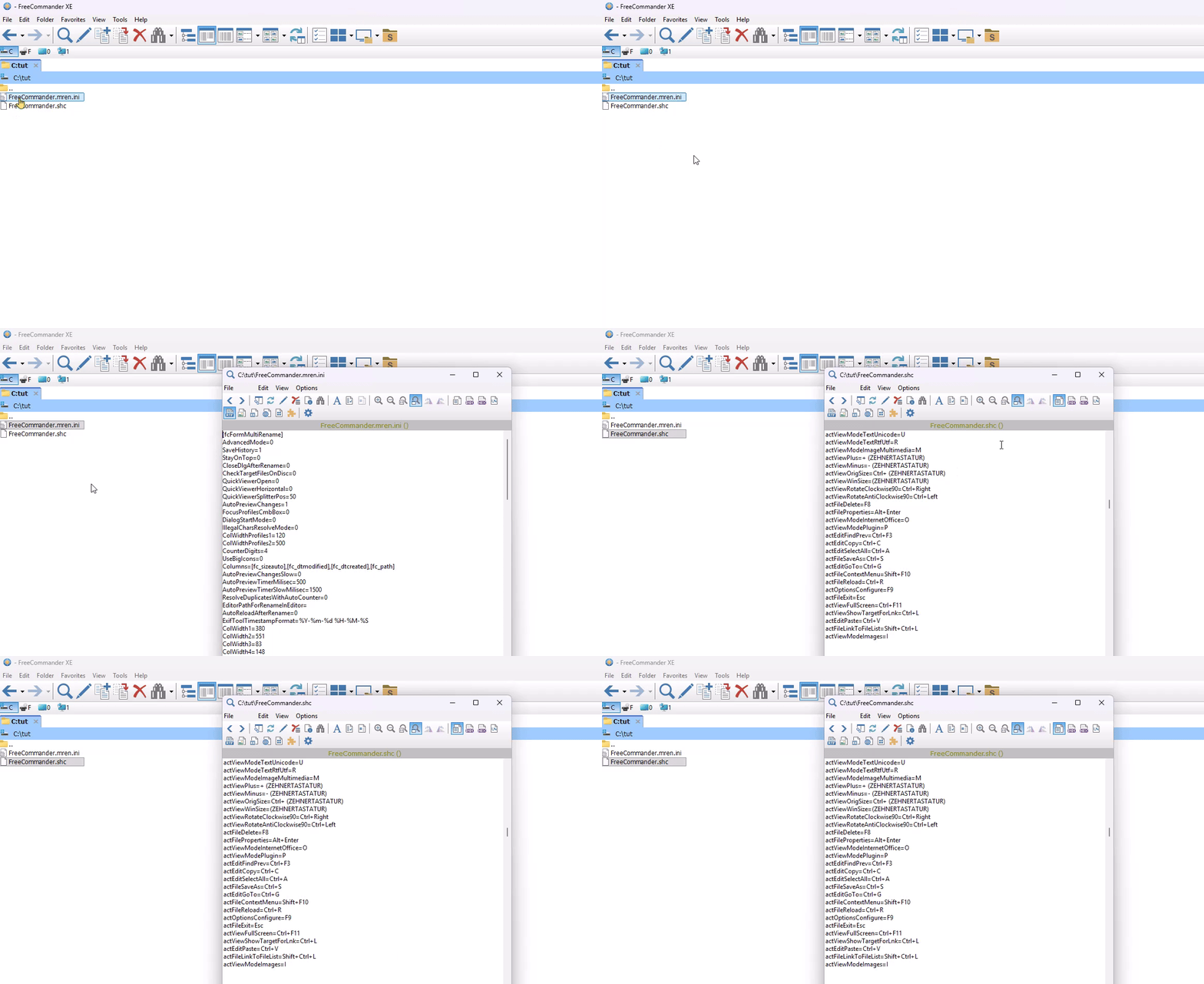
3. do as in video:
Image

-> apparently a value in the FC.ini is responsible for the bug

Marek
Author
Author
Posts: 4391
Joined: 10.04.2006, 09:48
Location: Germany
Contact:

Re: [947] Viewer bug: Scroll down reads next file

#4 Post by Marek » 28.04.2026, 19:22

Image - use mouse wheel for:

If "zooming" is selected, it can be zoomed with the mouse wheel. With "Ctrl + mouse wheel" files can be switched.

If "switching files" is selected files can be switched with the mouse wheel. With "Ctrl + mouse wheel" it can be zoomed.
You use the option for "switching files". This option also affects other files if the focus is not set to the viewer.

Post Reply

Who is online

Users browsing this forum: No registered users and 1 guest