tree for each panel, just opening on the panel location, how to set?
Posted: 13.12.2024, 17:22
I just want each panel to have its own tree, not opening on the location of the other panels. Like in other filemanagers.
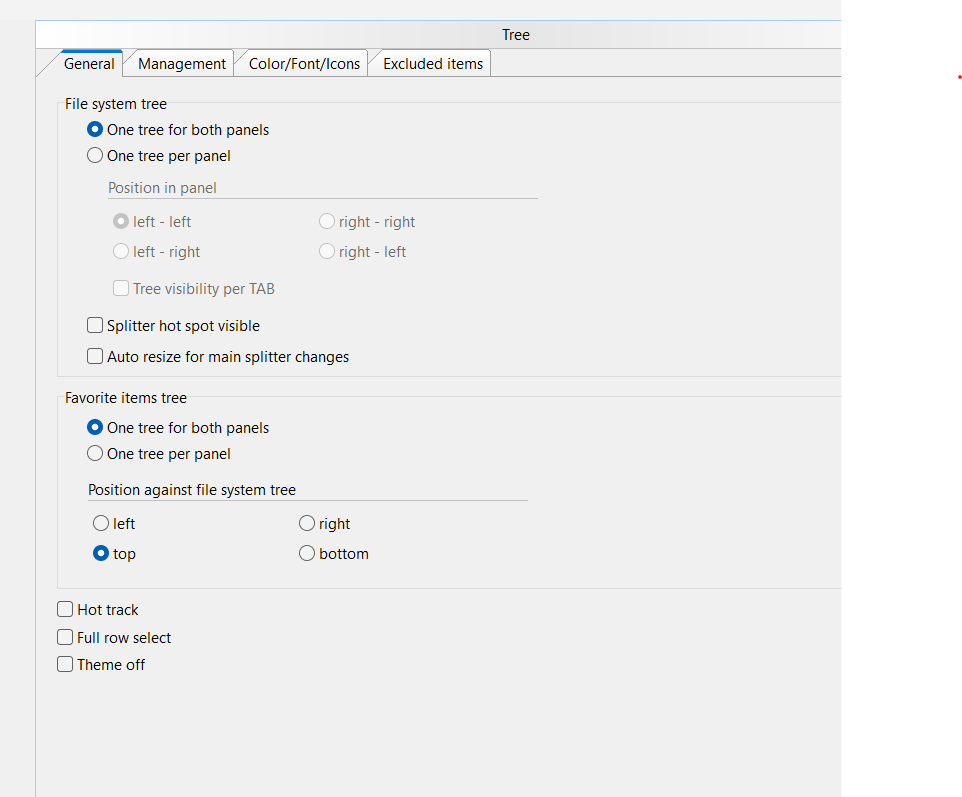
After a couple of panels open, the tree is so opened up it becomes hard to use, as each panel opens the tree up more. I would like each panel to have its own tree and the tree to open on that location, without opening where all the other tabs are.
How to set this?
After a couple of panels open, the tree is so opened up it becomes hard to use, as each panel opens the tree up more. I would like each panel to have its own tree and the tree to open on that location, without opening where all the other tabs are.
How to set this?